How to upload your Health Records
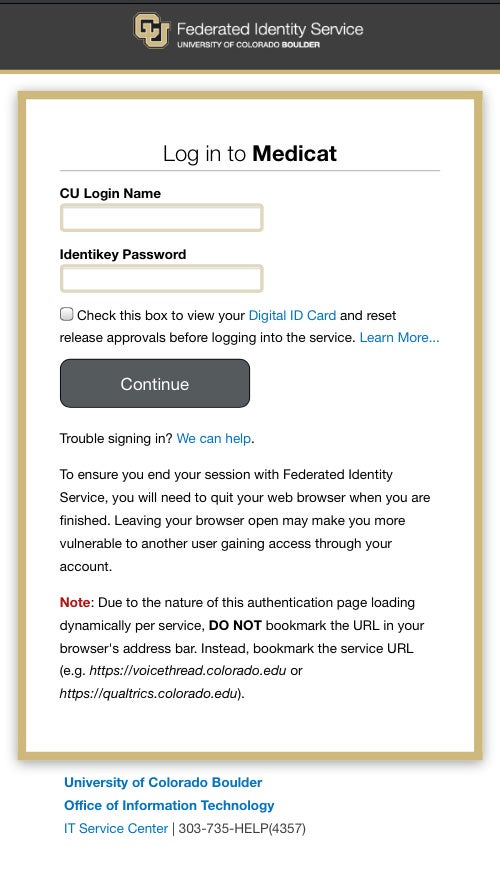
Step 1: Log into MyCUHealth.colorado.edu
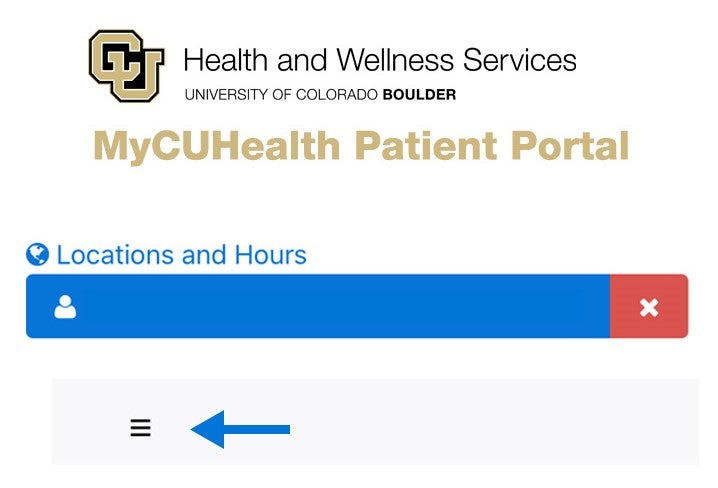
Step 2: Click the Menu button
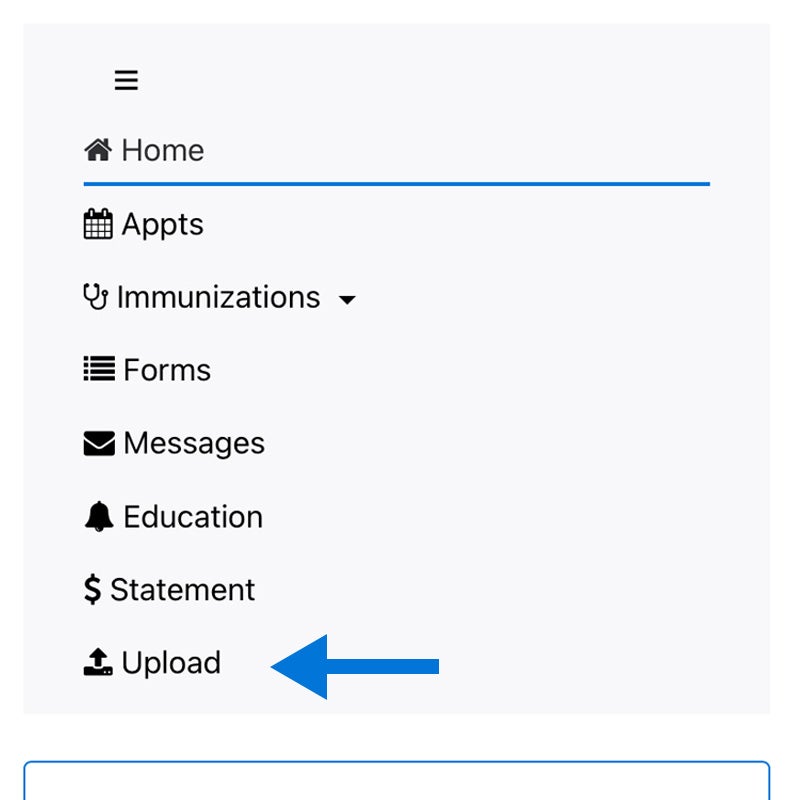
Step 3: In the dropdown select Upload
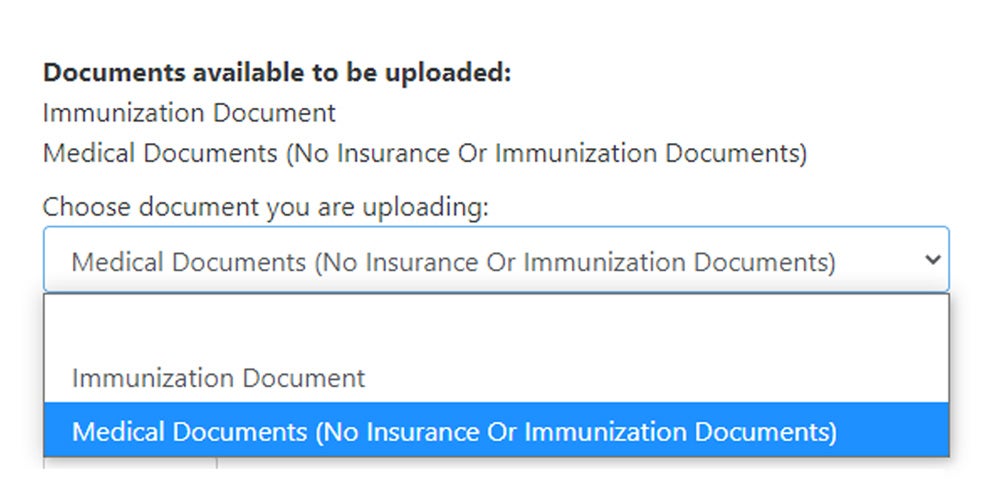
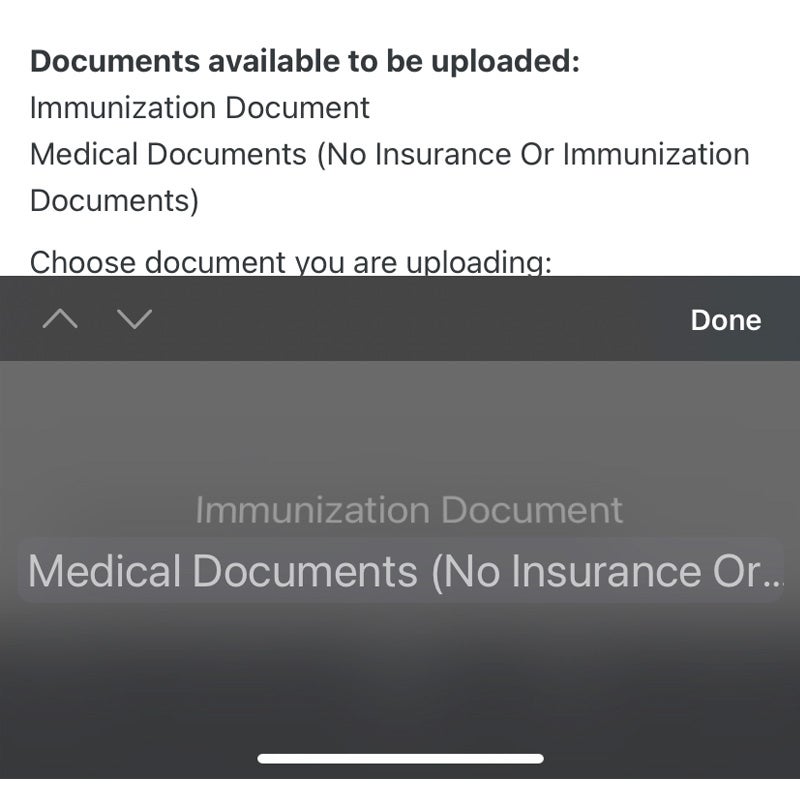
Step 4: Choose the appropriate option from the drop down
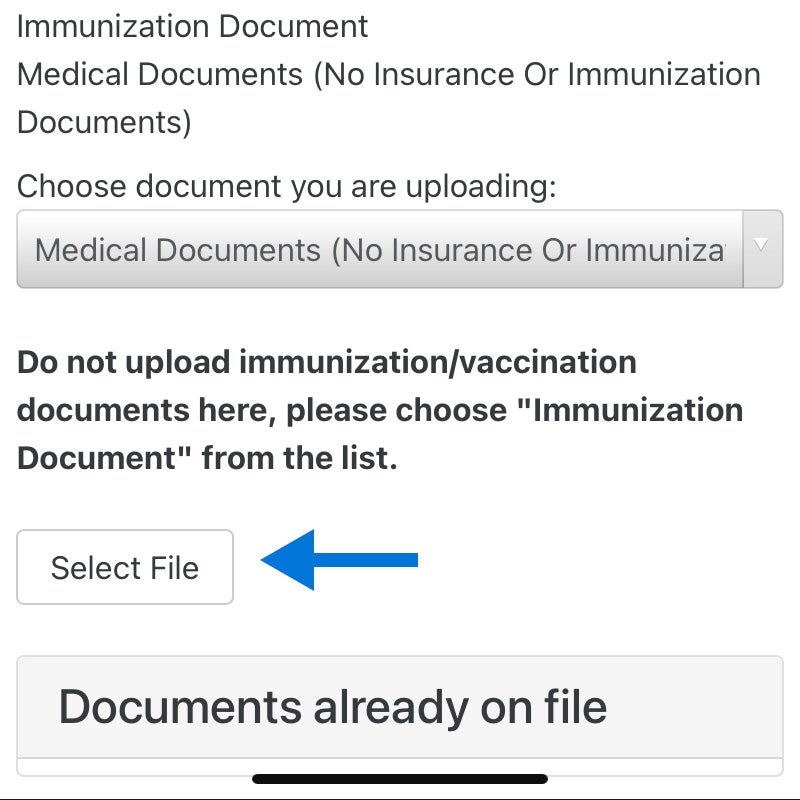
Step 5: Click Select File
Step 6: Choose Photo Library, Take Photo or Browse to select a file
Step 7: Click Upload
Step 1: Log into MyCUHealth.colorado.edu
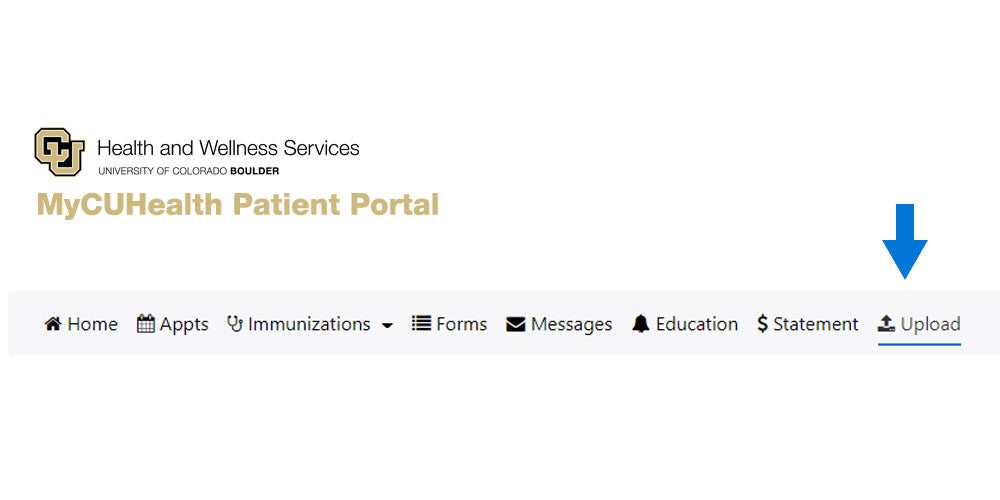
Step 1: Go to the Upload tab
Step 3: Choose the appropriate option from the drop down